If you look out your window and see passers-by picking their way through metre-high snowdrifts, neighbours wielding shovels in a bid to dig out their cars, and trees that look like candyfloss on a stick — this article is for you.
5 photographers who captured snowy landscapes of Hungary, the USA, Iceland, Greenland and the Arctic
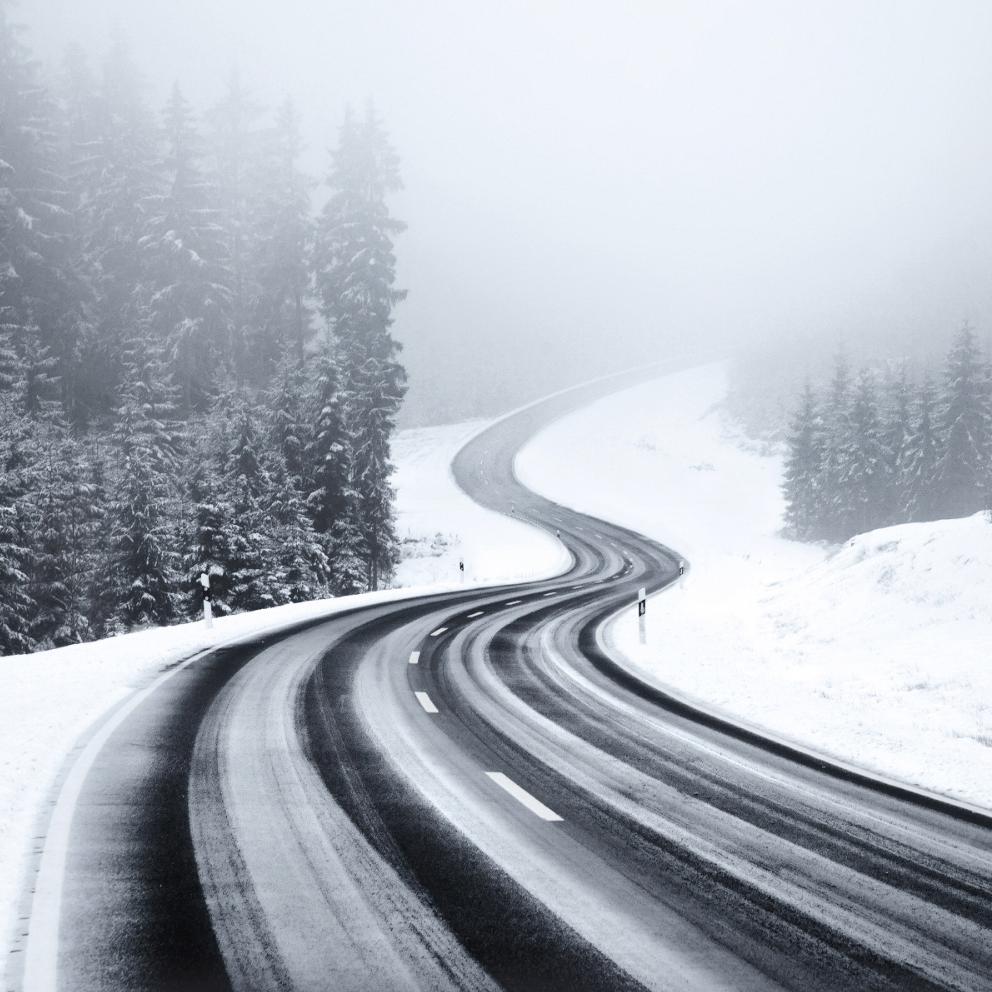
Marietta Varga (Marietta Varga) is a Hungarian photographer.
The photo project "Siofok" (Eng. Siofok) Marietta dedicated to the town where she was born and lived before moving to London. In editing the photographs, she deliberately introduced pink tones to evoke nostalgia and childhood memories.
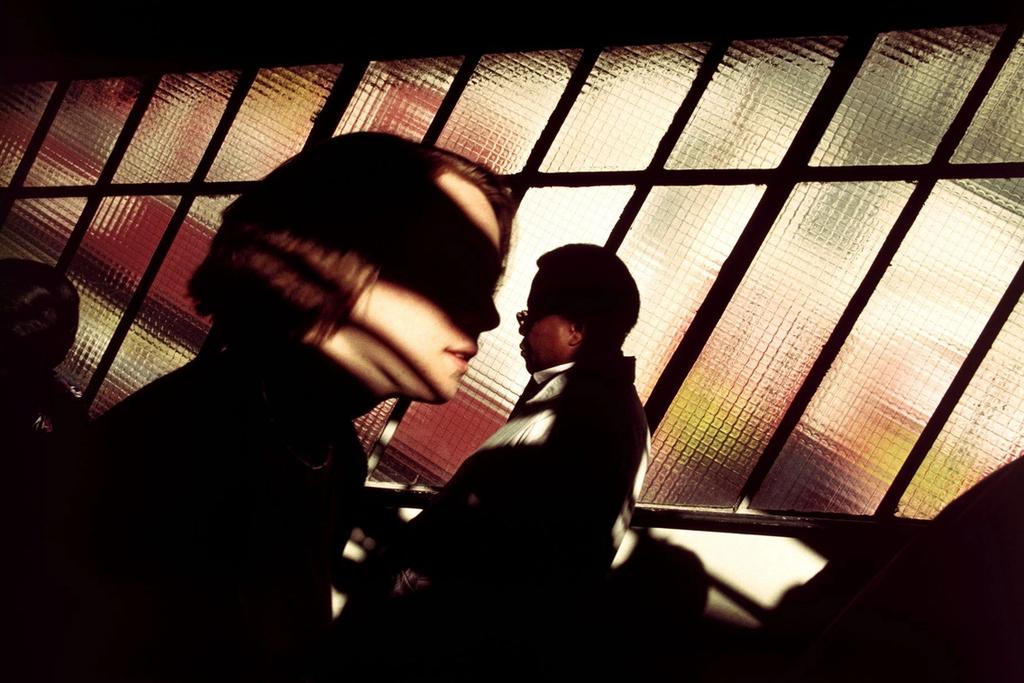
Yoko Naito (Yoko Naito) is a Japanese minimalist photographer.
Yoko grew up in a small Japanese village — an experience that set the course for her photography. In her work, she seeks out the similarities between rural landscapes and the big city.
In the photo project Unbeknown, Yoko captures the traces of human presence along a forgotten stretch of New York's shoreline.
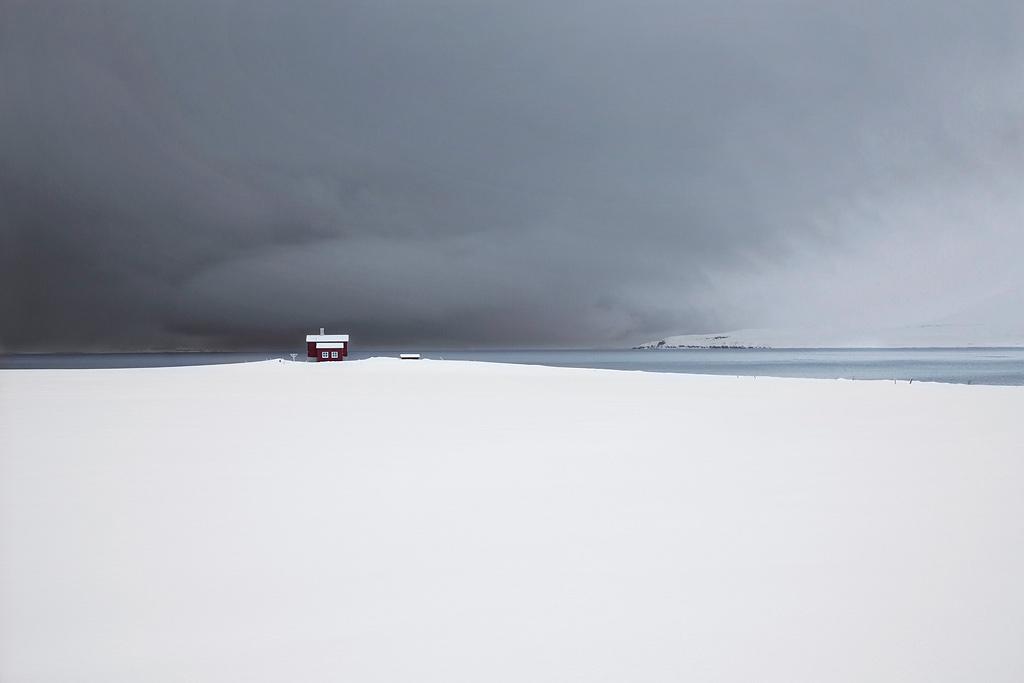
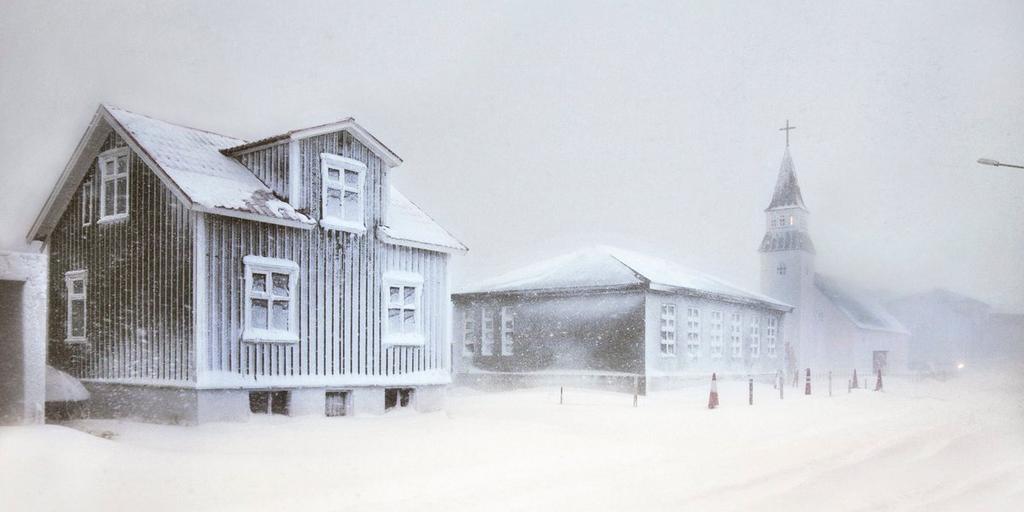
Christophe Jacrot (Christophe Jacrot) is a French photographer.
Christophe photographs cities and nature in rainy and snowy weather. For a long time the European climate denied him the chance to capture a true snowstorm, so he set off in search of a blizzard in the north of Iceland.
Read about Christophe's love affair with overcast weather in our article about the photographer.
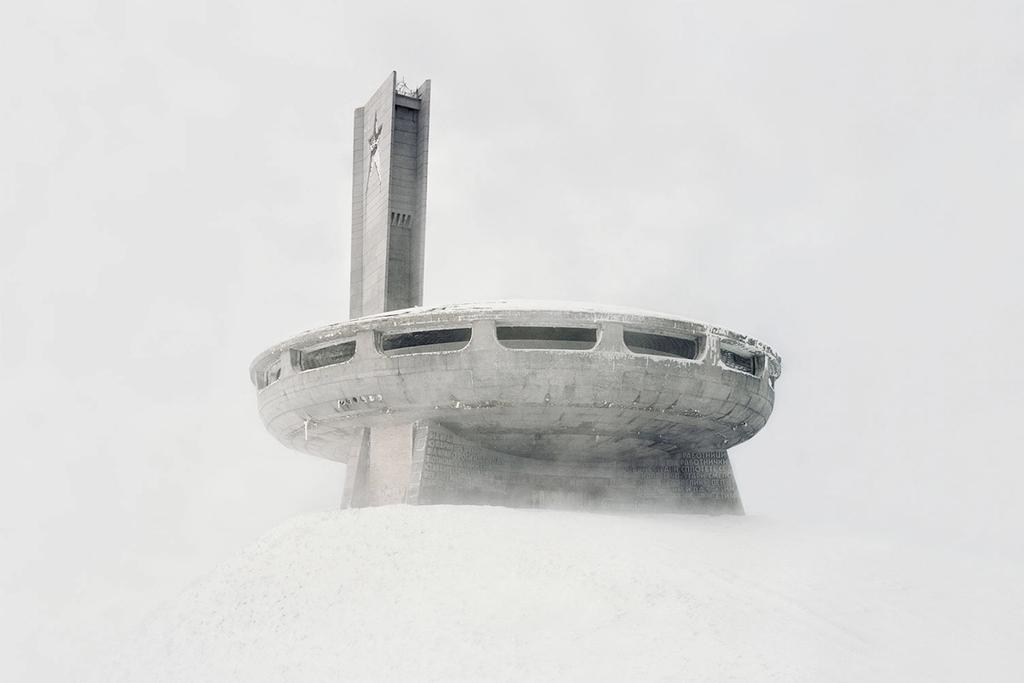
Sebastien Tixier (Sebastien Tixier) is a French photographer.
Sebastien spent 10 years working in studio photography. In 2013 he travelled to Greenland. The landscape, the people and their culture left a profound mark on him: he created a photo project about the country, began exploring its social issues, and is now making a documentary film about the island.
Photographs from the project Allanngorpoq have been published in a book of the same name, dedicated to the shifting cultural identity of the Greenlandic people. The book is available on the photographer's website.
Brook Holm(Brook Holm) is an Australian photographer.
Brookshoots landscapes, food, interiors and architecture, and works in fashion photography.
In her latest photography project, Arctic, she reveals the wild, harsh yet fragile nature of the Arctic, a region suffering under the effects of climate change.
Winter photography: 3 common problems and how to solve them
We asked the photographer and creator of the#catchingcorners project, Zhenya Aerokhokkey, to share the key challenges of mobile photography in winter.
Problem: overexposure
Snow reflects light well, so photographs often come out overexposed even on overcast days.
Tip
Use manual settings to avoid blown-out areas.
How
If the exposure is too bright, tap the bright area of the image; if it is too dark, tap the dark area.
On iPhone there is an additional control: touch the screen and a sun icon will appear. Drag the icon upward to brighten the image, drag it downward to darken it.

Remember
It is better to deliberately underexpose the shot. A dark photograph can be corrected in post-processing. Recovering a blown-out image will take considerably more time.
Problem: white balance distortion
When extraneous colours and tints — most often blue — are reflected off snow, its whiteness becomes distorted. In automatic mode, a smartphone should handle white balance correction well on its own. If it does not, try the following recommendation.
Tip
Reduce the saturation of unwanted colours and adjust the white balance.
How
In the Adobe Lightroom mobile editor, go to the Color tab, tap the colour wheel, select the colour whose saturation you want to reduce, and drag the Saturation slider to the left.

In the same app, adjust the white balance. To do this, go to the Color tab, tap the eyedropper icon, and select a white object in the photograph. The white balance will be corrected automatically.
Keep in mind
Don't try to make the snow look white in photographs taken at sunset or sunrise. At those times, the soft light of the sun casts an orange-pink glow on the snow. Use that to your advantage.
Problem: loss of detail in the brightest areas of the photograph
Preserving the detail and texture of objects conveys more information. There is, for instance, a difference between wet snow and freshly fallen, fluffy snow — and between a uniformly overcast white sky and one that is equally white but filled with clouds.
Tip
Use HDR mode. Photographs taken this way look better after editing — they retain the texture of the snow and the detail in a cloud-covered sky.
How
Tap the HDR icon and select ON. The HDR AUTO mode available on iPhone does not always work correctly — choose HDR ON instead.
Keep in mind
HDR photographs take up more storage space on your smartphone.
Winter photography: what else you need to know
- Wear warm touchscreen-compatible gloves — shooting in the cold will be much more comfortable.
- Pack a portable power bank in your bag. In freezing temperatures, a device's battery drains faster than it does in warmer weather.
- Whenever possible, shoot during snowfall. It will add atmosphere and depth to your photographs.
To learn more about mobile photography, read our interview with Zhenya Aerokhokkey, in which he shares his secrets for taking great shots.